Babydoll dance AI.
Your turn.
Turn yourself, your pet, or your whole vibe into the trend.
Pick a dance. Drop a photo. Let AI do the moves.
Make it your dance
AI STUDIO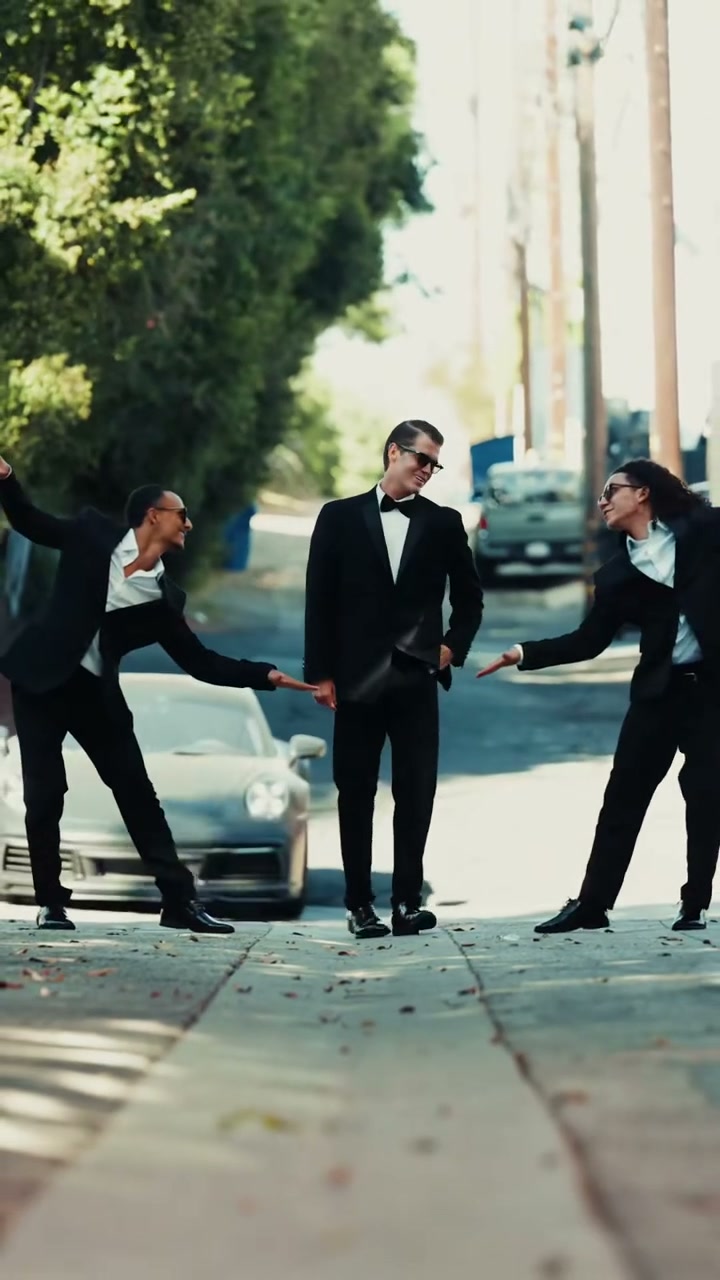
10 seconds · Vertical 9:16
3 dancersFill any one or more slots
Left and right are from your viewpoint at the start of the clip. Empty slots keep the original dancer.
the tall central dancer wearing a black tuxedo and bow tie
Original video background and all unselected dancers stay in place.
JPG or PNG · Up to 10 MB · One clear subject per photo
Made with AI. A few minutes. A totally new you.
A LITTLE PREVIEW OF THE VIBE9:16
BABYDOLLStreet two-step trioReference clip · @jamiemillmusic
Babydoll · Jamie MillerOriginal audio from this video.
FIND YOUR RHYTHM
Explore templates One trend. So many main characters.
A dance for your camera roll’s next star.
Inspired by the community. Made yours.
01
Drop a photo
You, your pet, or a whole new backdrop. One clear photo is all it takes.
02
Pick your moves
Choose a Babydoll dance template or bring a reference clip of your own.
03
Make it. Save it. Share it.
Generate your video and download an MP4 with its original audio.
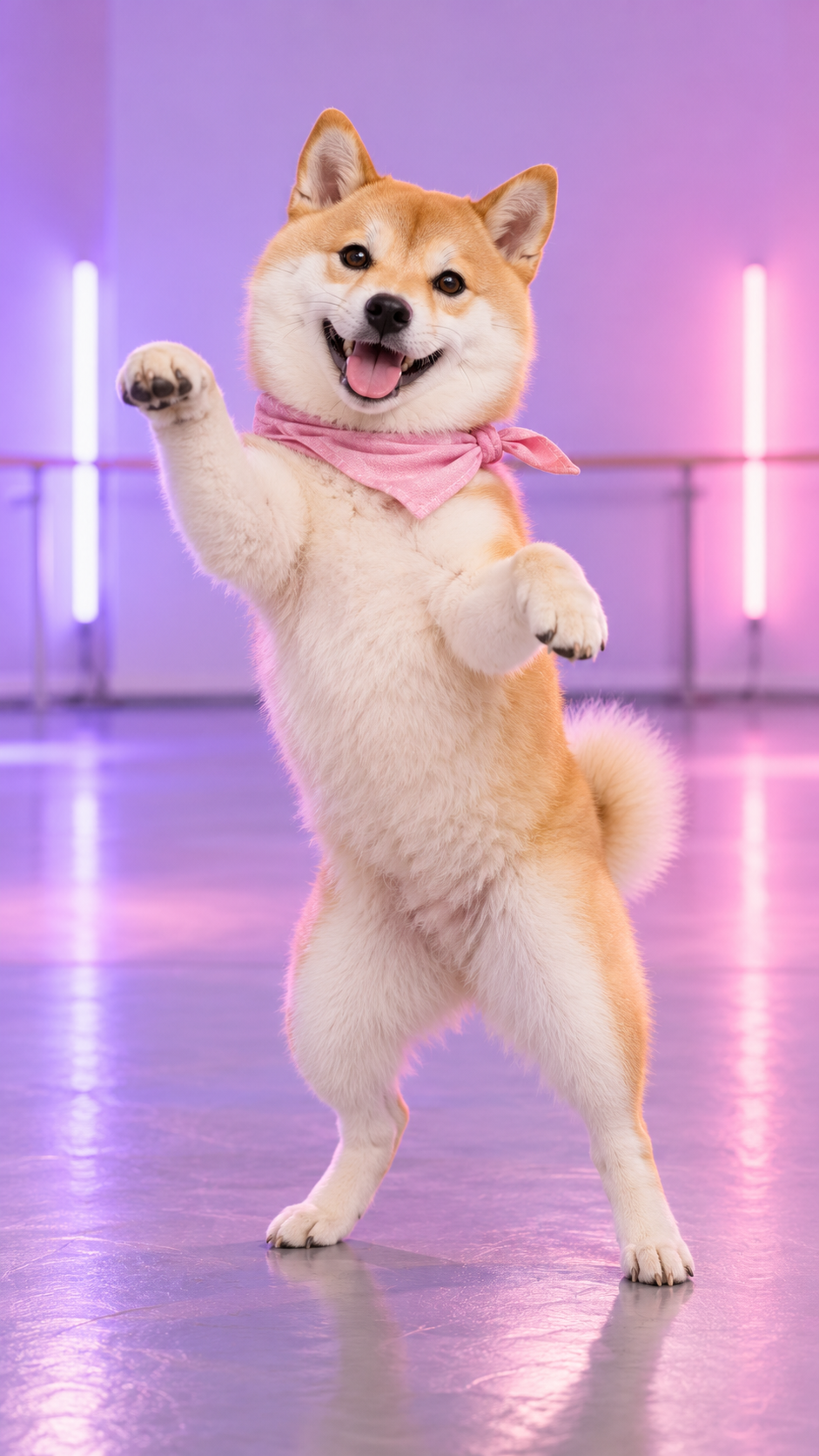 SMALL PAWS. BIG MAIN CHARACTER ENERGY.
YOUR BABYDOLL MOMENTThe Babydoll dance AI
The Babydoll dance AI
studio for every kind of star.
The little two-step. The shoulder bounce. That song you can’t get out of your head. Give the Babydoll dance trend a personal twist without setting up a camera.
Our Babydoll dance AI generator pairs your photo with a real dance reference. Put yourself in the spotlight, turn your pet into a dance partner, or bring your friends into the frame.
Make your moment Pet image is an AI illustration. Actual video results vary.A FEW THINGS TO KNOW
Before you hit the dance floor.
What is Babydoll Dance AI?
Babydoll Dance AI turns a photo into a dance video using the movement in a reference clip. Choose a Babydoll dance template, upload a clear photo, and create your version of the trend.
Can I make my dog or cat do the Babydoll dance?
Yes. Choose Pet and upload a clear photo of your pet. A full-body photo with visible paws works best. Pet videos use a video editing model, and anatomy and movement can vary between generations.
Can I replace more than one dancer?
Yes. Click any dancer card to upload a photo. Fill one or more positions; empty positions keep the original dancer.
Does my video keep the original music?
Yes. Your downloaded video keeps the original audio from the exact dance clip you chose, with no separate music upload. No separate song selection is needed.
Which photos and videos work best?
Use a sharp JPG or PNG under 10 MB with one clearly visible subject. Click a dancer card to upload directly. All built-in dance templates are ready to use.
How long does generation take?
Generation usually takes several minutes and can take longer when the provider is busy. My videos keeps the task in your account so you can check again without starting another generation.
Can I share my video on TikTok, Reels or Shorts?
Download the MP4 and upload it to your preferred platform. Our prepared templates are vertical 9:16. Get permission for the people, footage and audio you use, and follow the platform’s AI content and music rules.
Your camera roll has a dancer in it.
Let’s find them.
Create your Babydoll dance