Put yourself, your friends or your pets into the dance. Replace one dancer or several, for the same one video credit. Create a short video with the selected clip’s audio.
People & pets Reference clip audio Solo, duo & trio templates
Upload one clear photo for each person or pet you want to replace.
02
Pick your moves
Preview a built-in dance clip and choose the positions to replace.
03
Generate and review
Use one video credit, review your result, and download the MP4.
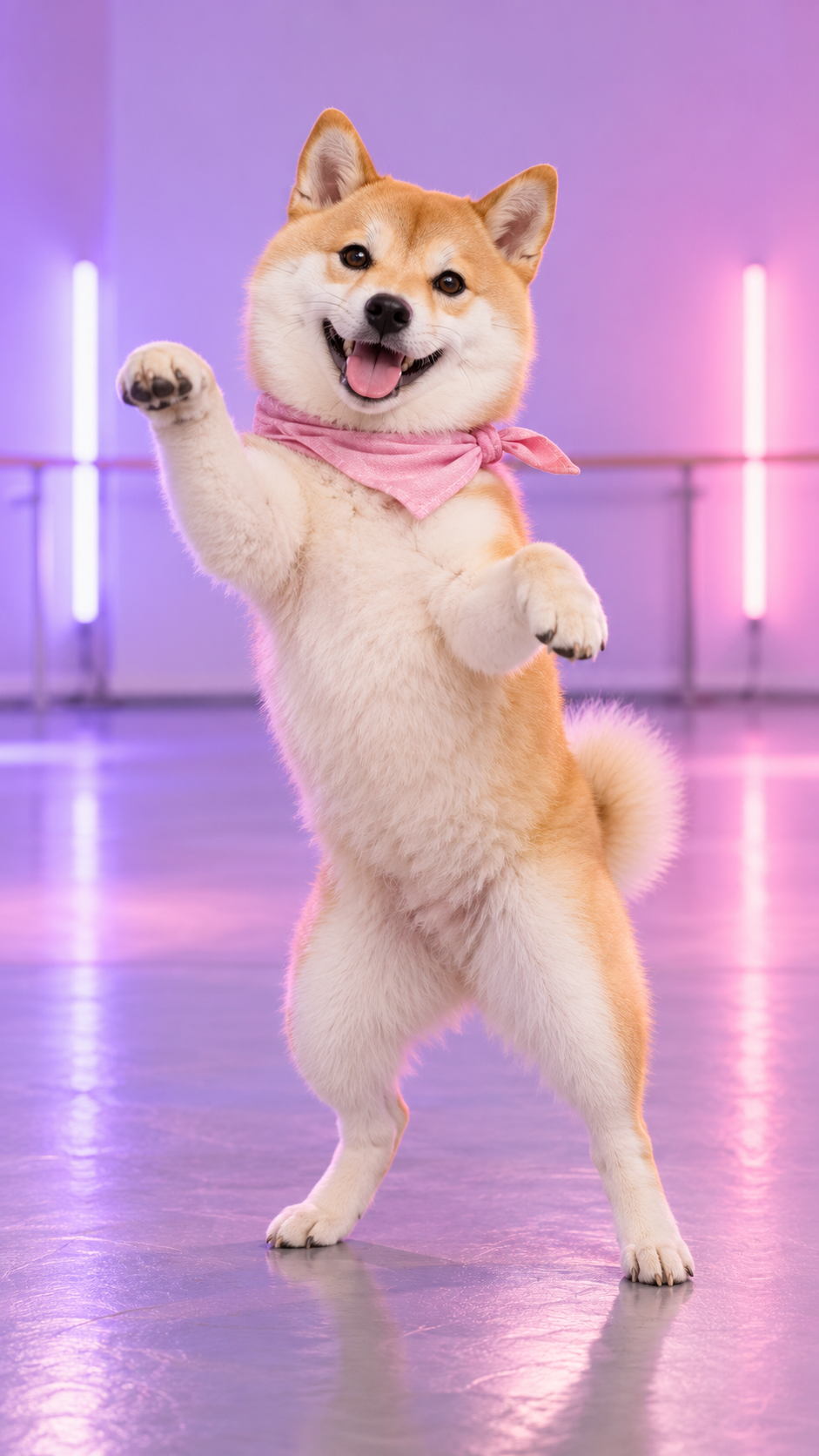
SMALL PAWS. BIG MAIN CHARACTER ENERGY.
YOUR BABYDOLL MOMENT
The Babydoll dance AI studio for every kind of star.
The little two-step. The shoulder bounce. That song you can’t get out of your head. Give the Babydoll dance trend a personal twist without setting up a camera.
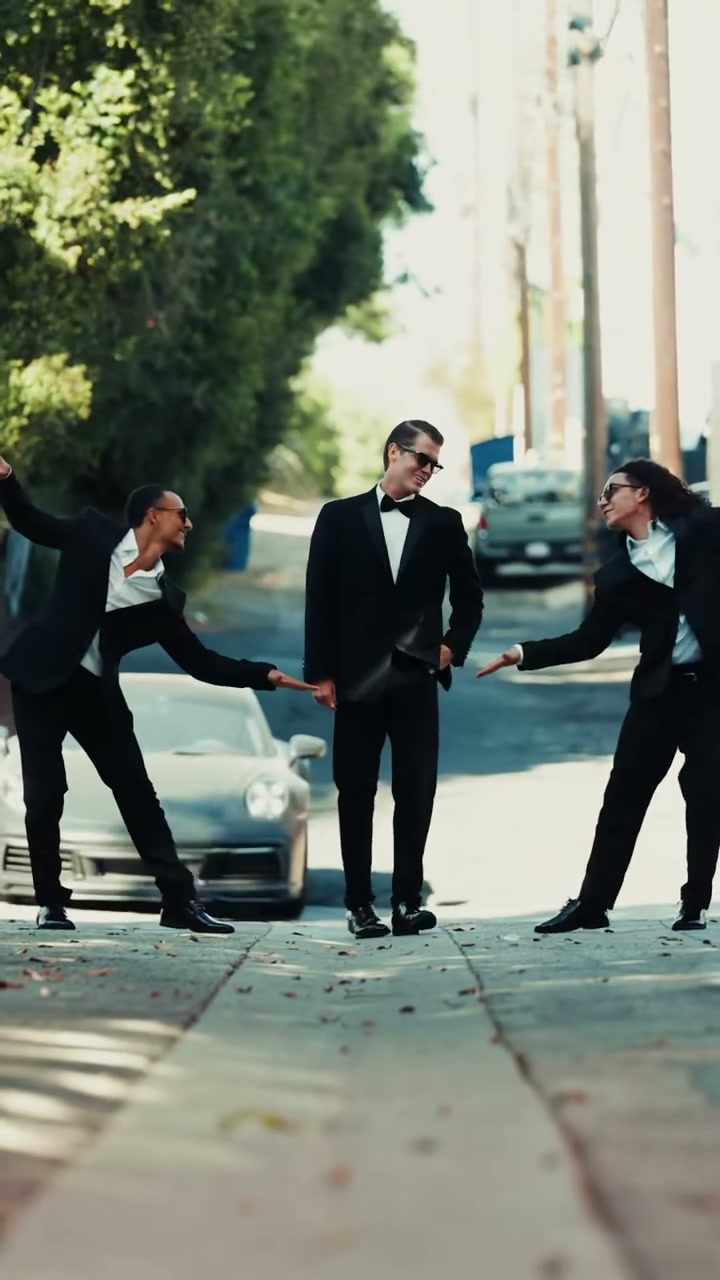
Our Babydoll dance AI generator pairs your photo with a real dance reference. Put yourself in the spotlight, turn your pet into a dance partner, or bring your friends into the frame.
Make your moment Pet image is an AI illustration. Actual video results vary.
A FEW THINGS TO KNOW
Before you hit the dance floor.
What is the Babydoll Dance AI trend?
The trend brings still photos to life with the playful steps of Jamie Miller’s “Babydoll” dance. Choose a built-in dance reference and upload photos of the people or pets you want to animate. Your photos provide their appearance, while the reference guides the movement.
Can I use a photo of myself or another person?
Yes. Use your own photo or a photo of someone who has agreed to be animated, and make sure you have permission to use the image. You can also use illustrated characters you have rights to use. Do not create content that impersonates, harasses or misleads others.
Do I need a full-body photo?
A clear full-body photo gives the model more information to work with. Use one person or pet per image for separate uploads, or a shared photo with exactly two or three subjects for a matching duo or trio template. Keep every face and body visible without overlap. Upload a JPG or PNG under 10 MB.
Can I choose the background for my dance?
Yes. Choose Dance video background to use the selected template setting, or My photo background to use your uploaded photo setting. For a shared photo, its background is used; for separate photos, the first assigned dancer photo supplies the background, as indicated in the studio. AI may change scene details.
Can I make a dance with two or three people?
Yes. Choose a duo or trio template, then select One shared photo to upload a photo containing exactly two or three subjects. They map to the template dancers from left to right. You can also use Separate photos to assign individual dancers; empty positions keep their original performers. Clear faces and separated bodies improve results, but AI can still alter likeness during motion.
How long can my Babydoll dance video be?
Selectable dance references run for about 7 to 15 seconds, and your video follows the selected clip’s timing and framing. Output is an MP4, with AI generation requested at 720p. Portrait and landscape references are available. Preview dimensions describe the source clip, not a guaranteed export resolution.
Is Babydoll Dance AI free?
Watching our Babydoll Dance AI examples and template previews is free. Explore the dance styles before deciding to create your own. Personalized videos require a signed-in account and a one-time video pack, with no subscription or recurring charges. Downloading your completed video is included.
What happens if my video fails to generate?
A confirmed failed generation returns its video credit to the original pack. Purchased and returned credits never expire. While a task is processing or its outcome is uncertain, the credit remains reserved. Check My videos before submitting another request.
Can I download my finished video?
Yes. Watch and download your completed MP4 from the studio or My videos. Your download includes the selected reference clip’s audio and follows its framing. There is no additional download fee.
Does my dance video include music?
Yes. Your completed video includes audio from the selected reference clip, so you don’t need to upload music yourself. Different templates can have different soundtracks. Music and footage rights are not included with your purchase; follow your sharing platform’s music and AI-labeling rules.
 SMALL PAWS. BIG MAIN CHARACTER ENERGY.